Discussions
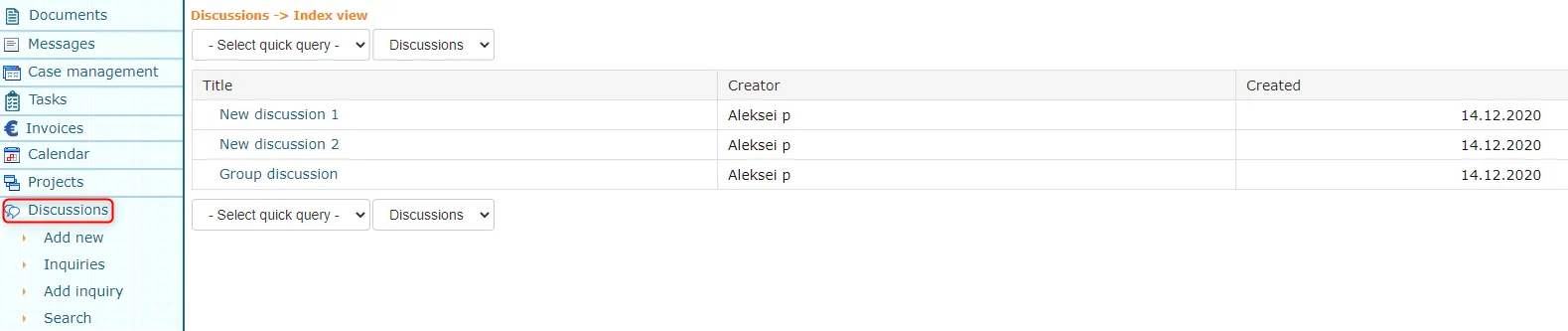
The Discussions module is mainly intended for exchanging thoughts and expressing opinions. At the same time, it is possible to create questionnaires and hold meetings in the Discussions module.
 ***
***
Creating discussions and surveys, responding
To create discussions, click the Add new link in the Discussions module menu. After filling in the necessary information, click the Save button.
To add a survey, select Add survey from the Discussions menu. To enter a question for the survey, click the Add button at the end of the Questions panel in the opened form. To confirm questions, click the Back button and to confirm the survey, click the Save button. To respond to both surveys and discussions, click on the respective object's title. For a survey, fill in the survey form and click save, but for a discussion, fill in the response field below (you can previously click the reply link under the initiative or response) and click the Add button to its right.
Inquiry list and results
In the inquiry list, each inquiry has the links Reply, Results, Edit and Delete. Results shows how the inquiry has been answered. You can edit and delete only the inquiries you created (a superuser can edit all of them).
On the front page, the Active inquiries panel shows the inquiries you can answer. A user can hide the panel in their own front page settings.
The inquiries menu is visible to users whose profile includes the Discussions module. The Active inquiries panel is shown when the profile also includes the Inquiries module.
Last modified: 07 October 2026, 15:42:46