Information Request Configuration
If the following message appears when opening a document or letter in the public view: Information request sending is not configured!, information request configuration is missing.
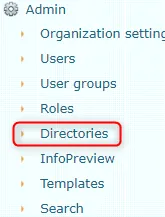
For configuration, you need to go to the Amphora internal environment: Admin -> Directories. This action requires that the user has administration rights.
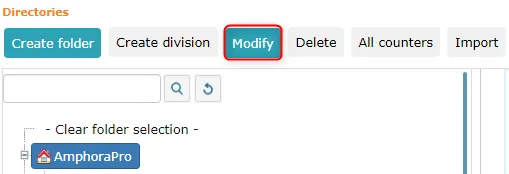
 Then you need to activate the unit and press the Edit button.
 There is an E-mail field in the unit data. You need to enter the desired email address where information requests will be received.
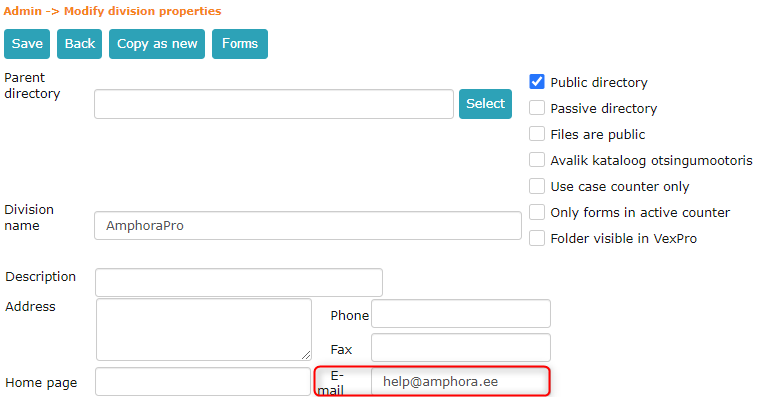 After entering the email address, you need to press the Save button.
See also: Creating a new unit.
Last modified: 17 October 2026, 09:18:57