DHX
DHX module
The DHX module contains all incoming and outgoing DHX letters.
Incoming DHX letters:
 1. With this button, it is possible to refresh information. If the DHX module has been open for a long time, then with this button you can display new DHX letters (if any DHX letter has arrived during this time).
2. If the checkbox is added, then when registering a DHX letter, Amphora automatically searches for the initial letter and if found, registers this letter as a response letter. If the checkbox is not added, Amphora registers the DHX letter as an initial letter by default.
3. File download. It is possible to review the DHX letter file content before registration.
4. DHX letter registration. By default, there are 3 options:
1. With this button, it is possible to refresh information. If the DHX module has been open for a long time, then with this button you can display new DHX letters (if any DHX letter has arrived during this time).
2. If the checkbox is added, then when registering a DHX letter, Amphora automatically searches for the initial letter and if found, registers this letter as a response letter. If the checkbox is not added, Amphora registers the DHX letter as an initial letter by default.
3. File download. It is possible to review the DHX letter file content before registration.
4. DHX letter registration. By default, there are 3 options:
{: loading=lazy }Letter registration applies to those who have not yet switched to the **Letters in document module** development.
Registration profiles can be added if needed. For this, you need to contact your Amphora environment administrator.
- DHX letter deletion. Sometimes it can happen that a DHX letter comes in duplicate and then the extra DHX letter needs to be deleted.
Outgoing DHX letters:
 1. DHX letter XML file. By clicking the button, you can download the XML file to your computer.
2. Information about the DHX letter.
3. DHX letter status. There are 4 statuses in total:
* Waiting – DHX letter is waiting to be sent. Usually this status lasts the first couple of minutes.
1. DHX letter XML file. By clicking the button, you can download the XML file to your computer.
2. Information about the DHX letter.
3. DHX letter status. There are 4 statuses in total:
* Waiting – DHX letter is waiting to be sent. Usually this status lasts the first couple of minutes.
* Sending – DHX letter is being sent but has not yet been sent completely.
* Sent – DHX letter has been sent out from Amphora.
* Interrupted – Some problem occurred with sending the DHX letter. If a DHX letter has this status, you should contact either the Amphora environment administrator or Amphora client support.
* Received - This message is displayed if the receiving organization's security server sends a receipt confirmation.
4. Deleting outgoing DHX letter. If a DHX letter has been sent to the wrong addressee, it should be deleted from the outgoing list before the Sent status. Already sent letters should not be deleted.
If there are unregistered incoming letters in the DHX module, a notification appears in the upper left:

DHX-capable organizations filter
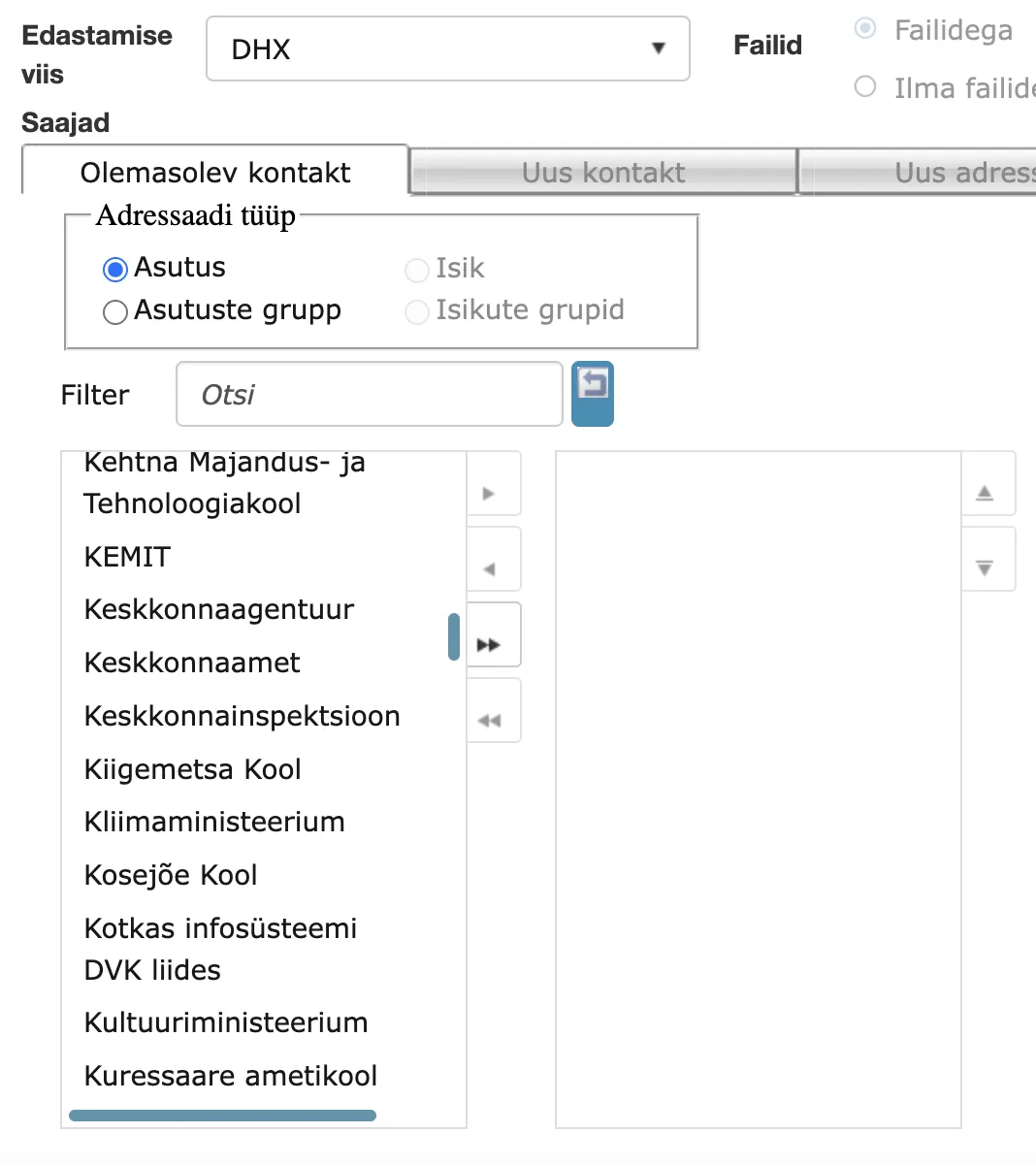
When adding an outgoing delivery, only DHX-capable organizations are displayed in the organization selection when DHX is selected as the delivery method. This makes DHX sending simpler and faster, since the user does not need to check whether the selected organization is DHX-capable.
NB!
The filter does not extend to the Organization group selection. That selection still displays groups that include organizations that are not DHX-capable.
DHX document sending enhancements
When sending a DHX document, the contact information added in the delivery panel is also taken into account. Recipient data (address, contact information) is added inside the DHX capsule. Additionally, the recipient's personal identification code is displayed in the DHX module's sent document capsule reading view.
Last modified: 07 October 2026, 15:42:46